iFiles 2
2440
просмотров112
скачиваний38 MB
размер файлаСкриншоты и описание
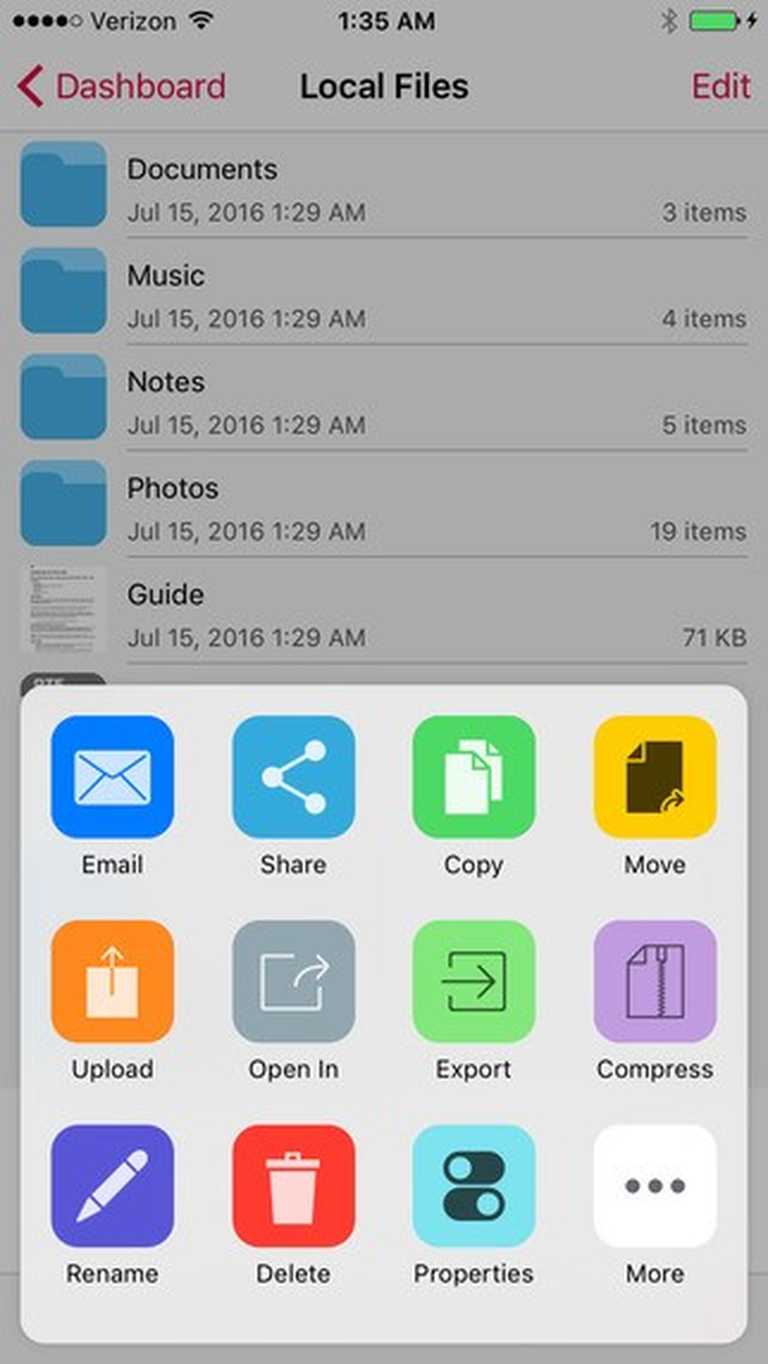
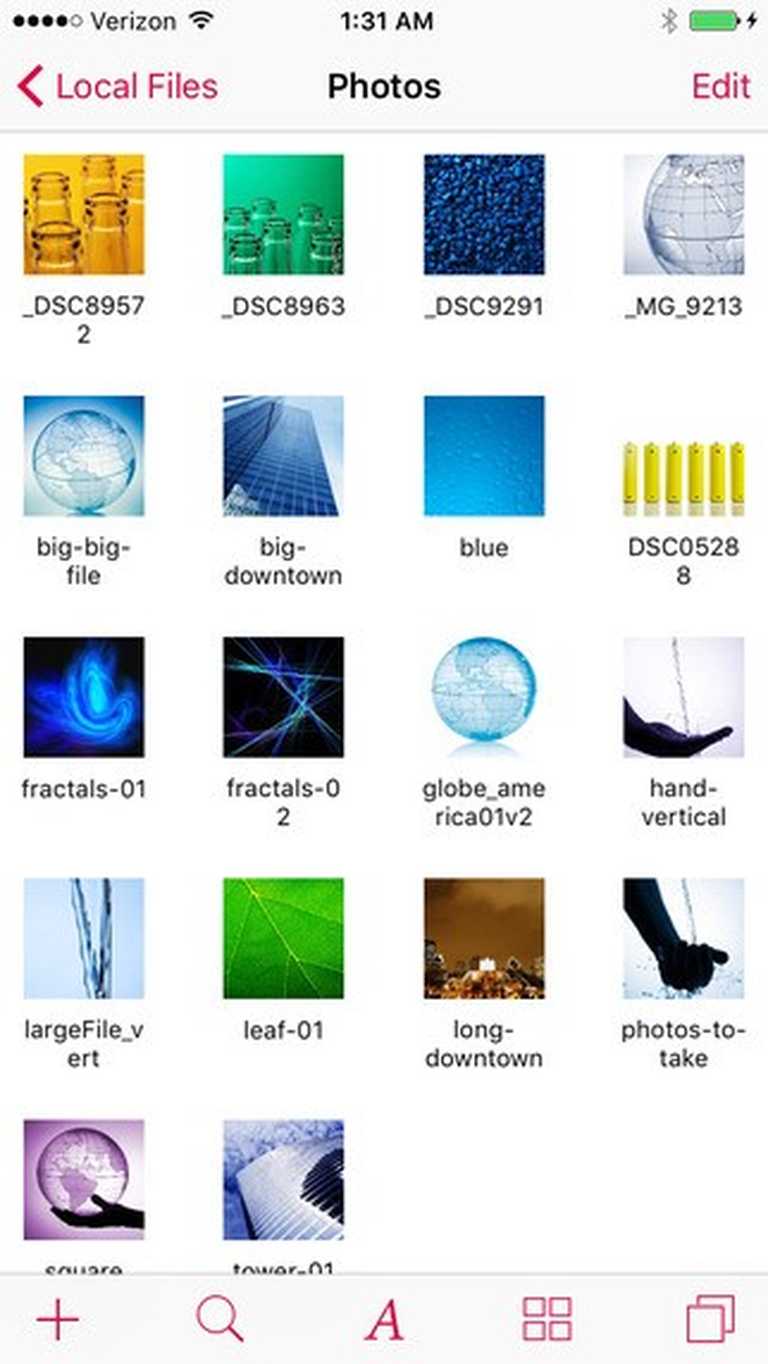
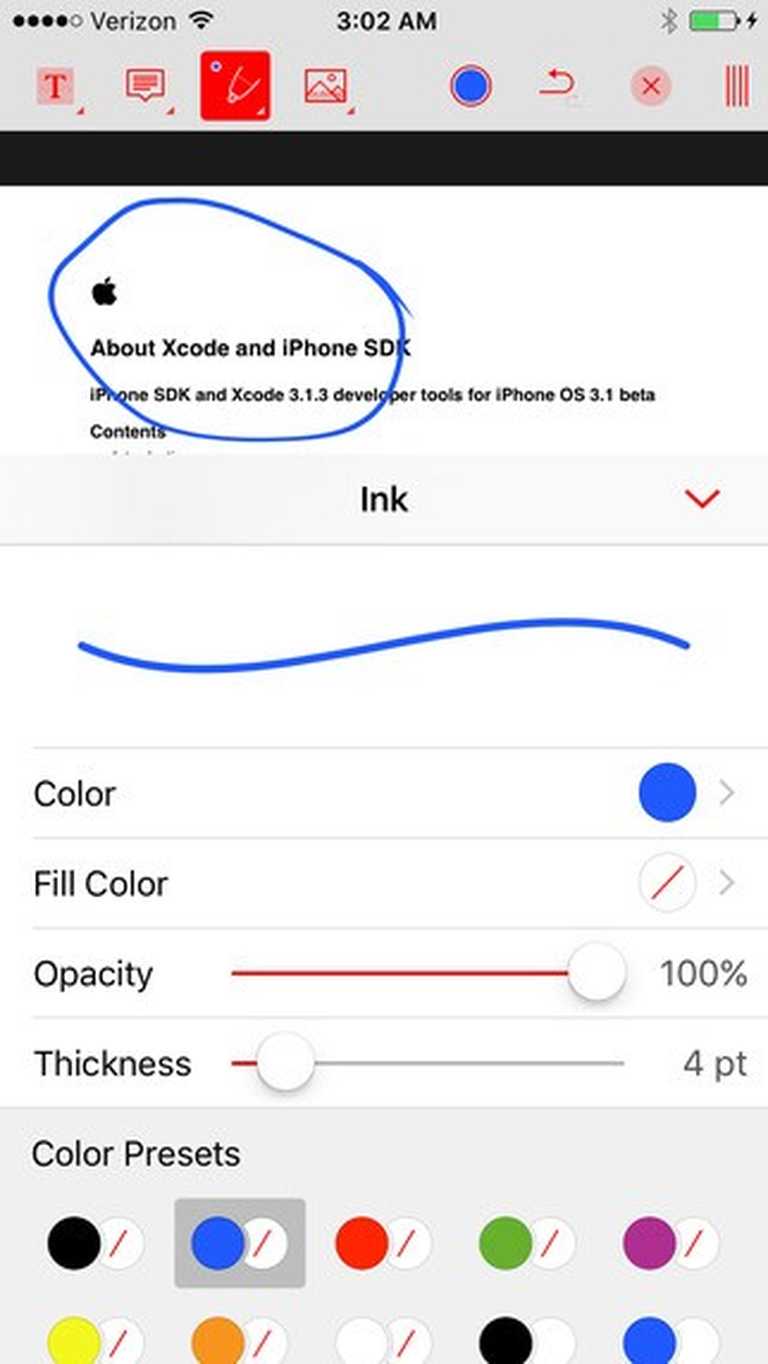
С iFiles 2 вы можете сохранить, поделиться, рассмотреть и управлять файлами на своем iPhone или iPod Touch. Вы можете соединиться с iFiles 2 с любого Mac или PC и перетянуть файлы прямо из Проводника или Windows Explorer, можете поделиться вашими файлами с друзьями у которых установлен iFiles 2 по Wi-Fi или bluetooth. Удаленный доступ может быть обеспечен паролем и локальным кодом доступа. Вы можете посылать документы и файлы из iFiles 2 по электронной почте. Сильно ударьте слева или справа по ячейке файла/папки, чтобы показать popup меню. iFiles 2 имеет возможность записи.Так же в программе есть и другие возможности. iFiles 2 с новыми функциями:- SMB/CIFS client and server support.- Synchronization support.- Tabs: (Multiple services can be opened; like Dropbox, Web Browser)- New redesigned Interface.- Document Provider Extension support.- Support for iPad split view.- Interface customization. Поддерживаемые онлайновые "облачные" сервисы и протоколы:Dropbox, Google Drive, iCloud, Box.net, OneDrive, SMB/CIFS, SugarSync, AFP (Mac Shares), FTP/FTPS, SFTP, Flickr, Picasa, Facebook, Rackspace CloudFiles, CloudApp, PogoPlug, WebDav, Amazon S3, ownCloud, 4Shared, also using Amazon S3: DreamObjects and UltiCloud. Главные особенности:- TABS - Multiple tabs can be opened at the same time• WEB DOWNLOADER - Download files from the web using the build in Web Browser or Safari using iFiles Bookmarks. (HTML5 Videos are now supported)• EMAIL - Send documents as email attachments directly from iFiles using iPhones email accounts or links to files stored in the cloud. (given service supports this feature)• VOICE RECORDER - Use iFiles build-in voice recorder to create voice notes.• POPUP MENU - Tap and hold on file to display context popup menu with file operations.• PROPERTIES -View and change folder and files properties: color label, icon, and rename. For services with supported API you can edit: comments, description, tags/keywords, privacy, copy/generate links.• SHARE FILES - Share files with other iOS users of iFiles over Wi-Fi or Bluetooth.• PDF VIEWER - Viewer now supports annotations, full-text search, bookmarks, highlighting, saving directly to a cloud service and more.• SECURE - If cloud services uses username and password they are stored using iOS Keychain, Remote access to your device can be secured with password, and device can be locked using passcode. (Your information is never send to any outside service)• FILE OPERATIONS - Move, Copy, Rename, Delete, and create New Folders (Operations are supported for all cloud services given that service API supports it)• ZIP/EXTRACT - Create archive files and unarchive many common archive formats: Zip, RAR, 7-zip, Tar, Gzip, and Bzip2.• TRANSFER MANAGER - Download, upload and transfer files directly between services without required to first download then upload files. Transfers support background mode and will resume if application is closed.• EASY UPLOAD - If your creating voice recording, importing photos or creating a text file, iFiles will automatically upload to the current location no matter if its local or remote.• CLIPBOARD PASTE - Paste text and photos/images directly to current folder.• OPEN IN - Open files in apps that support those file types.• PRINT - Print files using AirPrint.• TEXT FILES - Create and edit plain text files. (Locally or directly in the cloud)• PHOTO IMPORT - Take Photos, record movies or import from your Photo Library. (Multiple selection support is coming in next update)• MEDIA PLAYER - Playback audio and video files.• THUMBNAILS - Thumbnails are generated for local files: photos, videos and pdf files, thumbnails are displayed for cloud service if its supported. Форматы файлов:• iWorks (Pages, numbers, Keynote) ’08 and ’09 (with or without Preview)• Microsoft Office (Word, Excel, PowerPoint).• HTML web pages and Web archives (web pages downloaded by Safari)• PDF Documents.• RTF (Rich Text Format) and RTFD.• Plain text with auto-detection of character encoding. Text files can also be edited.• Movies (supported file formats by iPhone: MP4, MOV, MPV, 3GP, M4V)• Audio (WAV, MP3, M4A, CAF, AIF, AIFF, ACC)• Images (JPG, PNG, GIF, BMP, TIF, TIFF, ICO, CUR, XBM)
Нет комментариев

Ещё приложения



.jpg)